
Aveliqo Social Studio
Know what to post next.
Turn your company website and past content into ideas, social posts and blog drafts. Use a browser workspace for planning, or the separate desktop preview for local drafting. Review each piece before it goes out.
Request access Explore the fictional browser preview
One place to develop your content plan
The browser preview brings ideas, drafts and a visual planner into one workspace. Open a draft from the calendar, review its text and planned date, and keep the work organised before using a publishing connection.
Try the browser planner with fictional posts. This public preview uses sample data and saves changes only in your browser. It cannot connect accounts, generate paid AI content or publish. The working beta requires an invitation.
Start with one idea and two post drafts, then build a manageable content week.
Inside Social Studio
These four screens show the separate desktop preview with fictional mountain-guide content. They are not screenshots of the browser planner. Select a screenshot to see it at full size.
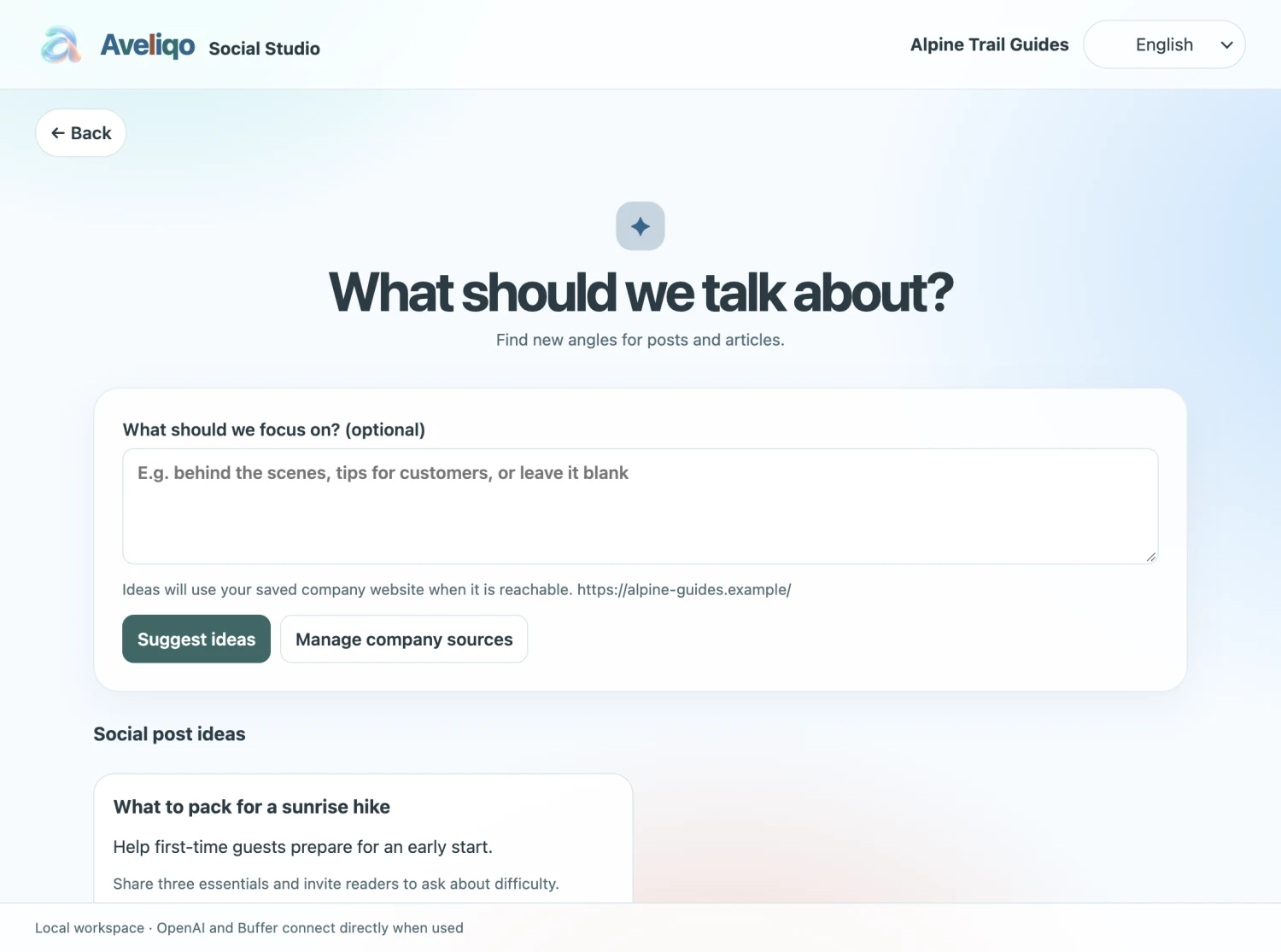
Suggest ideas
Start with the company website or give the app a topic. Open a saved idea directly in the post or blog editor.
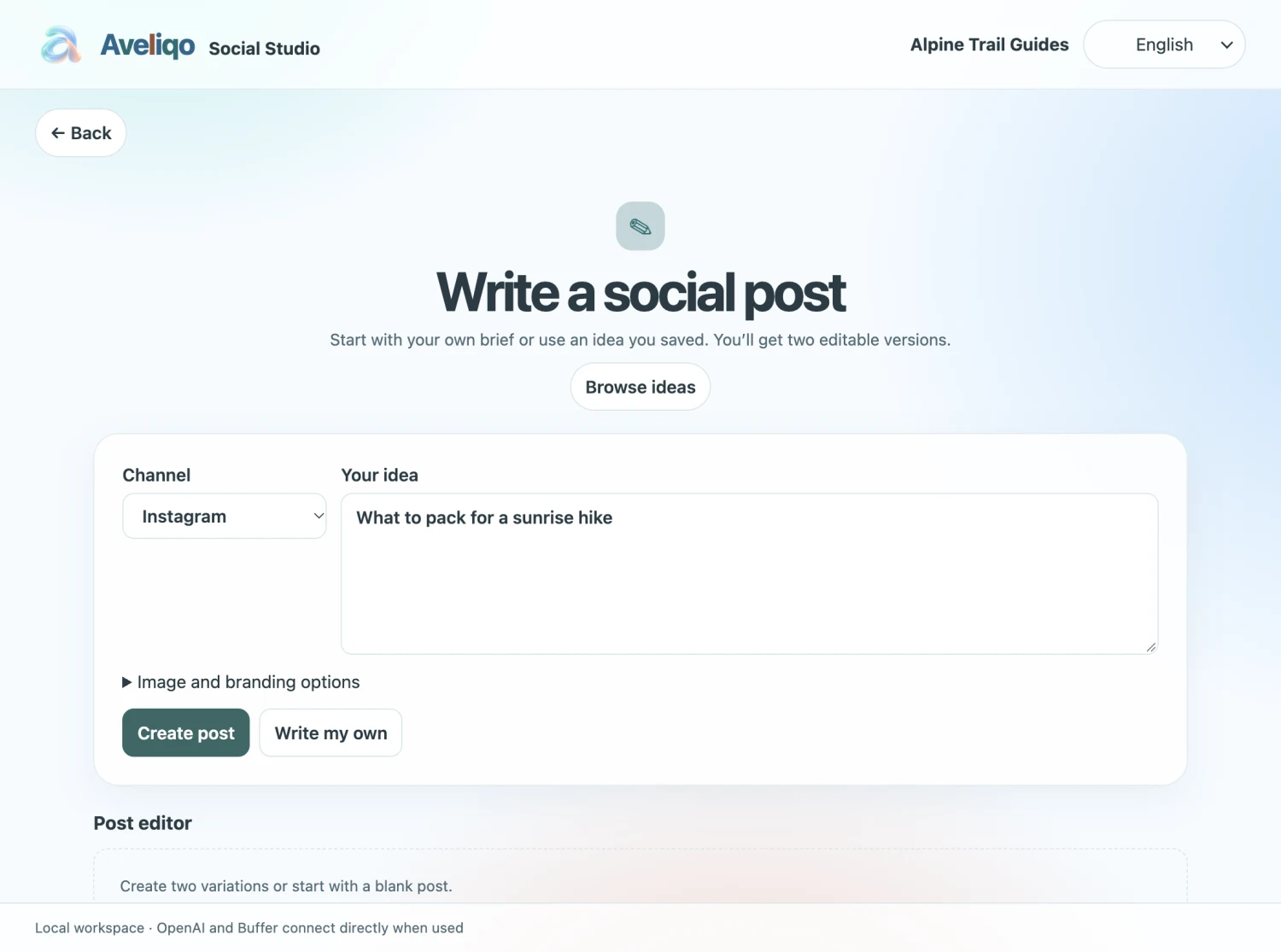
Create a social post
Pick a channel, enter an idea and get two editable versions. Expand image and branding options when you need them.
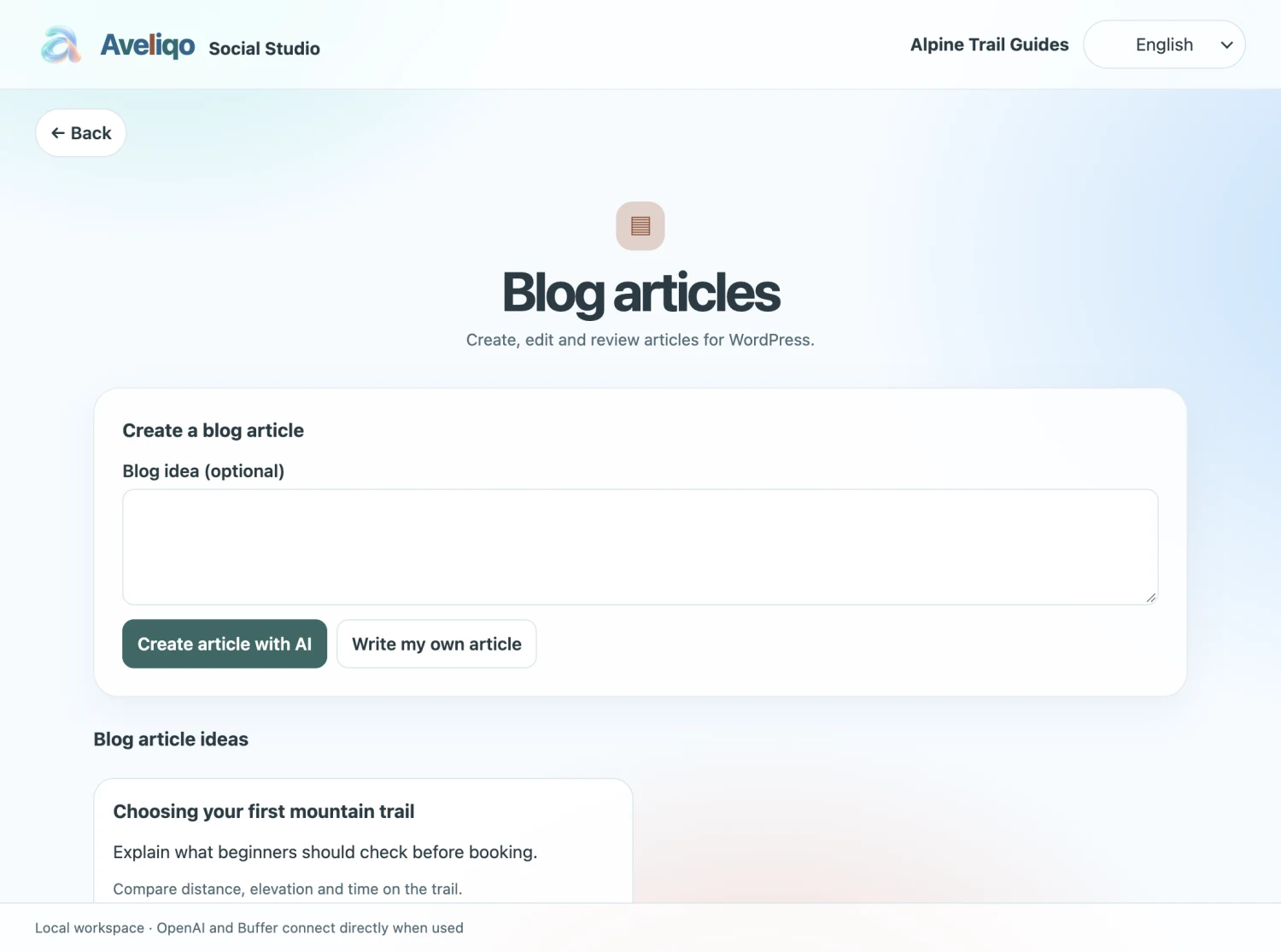
Write a blog article
Draft from a saved idea, a fresh brief or your own writing. Edit locally, then download a copy or send it to WordPress.
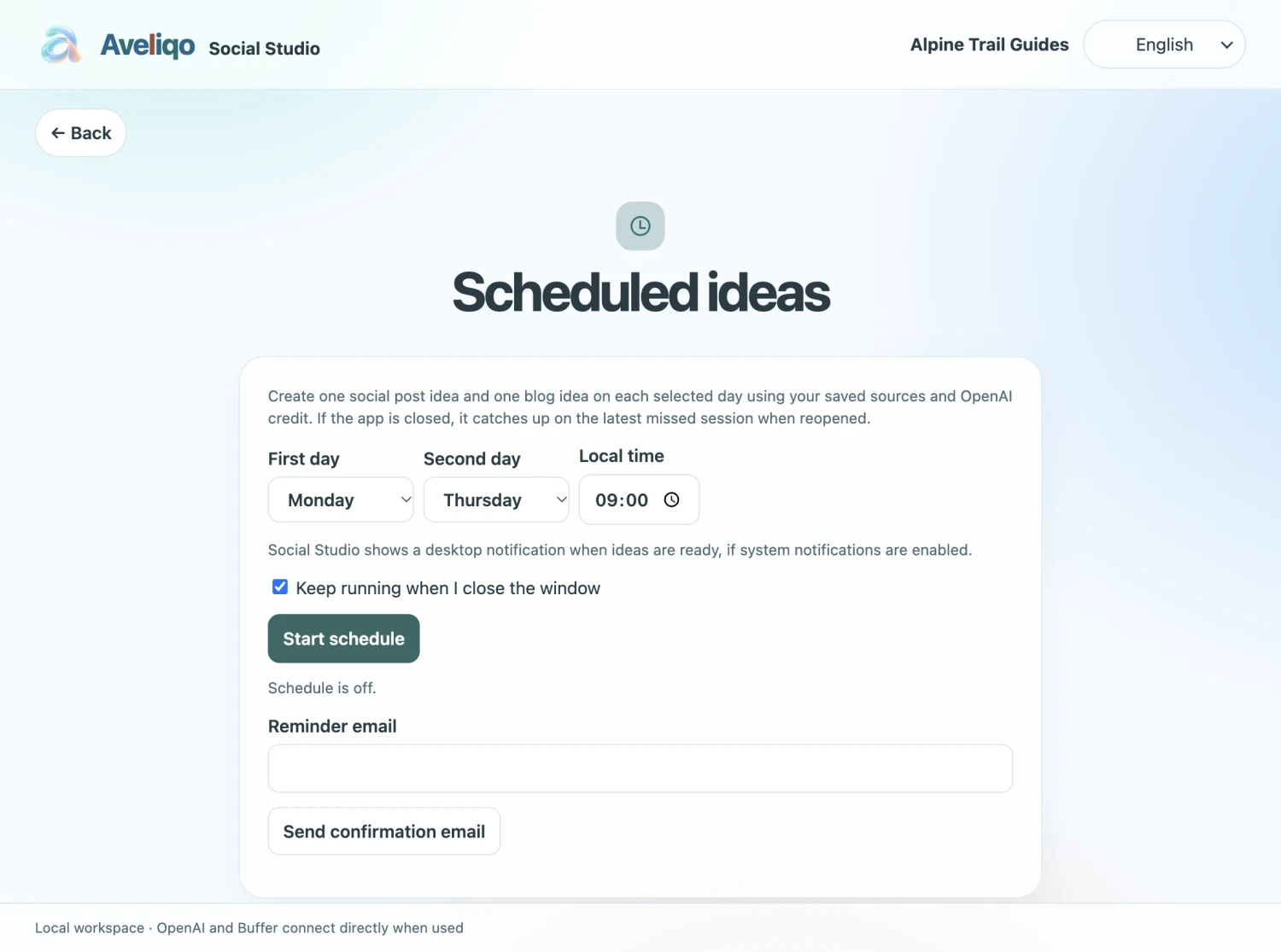
Schedule fresh ideas
Give yourself two prompts each session. Add your email for a reminder once the ideas are ready to review.
From your website to your next post
See how a fictional mountain guide business could turn one page into a social post and a blog article.
Find ideas that fit your business
Add your company website in Connections. Review the company summary so Social Studio can use the right facts and tone. If you already publish through Buffer, you can bring in recent posts as writing examples.
Ask for ideas based on those sources or give it a topic to focus on.
What to pack for your first guided sunrise hike
How to choose a mountain trail for your first guided hike
Build a post or article around a photo
Open an idea as a brief or start with your own. Edit the social caption or blog draft before saving it. Add a photo from your computer or enter a specific webpage to look for an image you can use as the basis for new artwork.
When you’re happy with the draft, send the post to your connected Buffer account or use the WordPress connection for your blog.
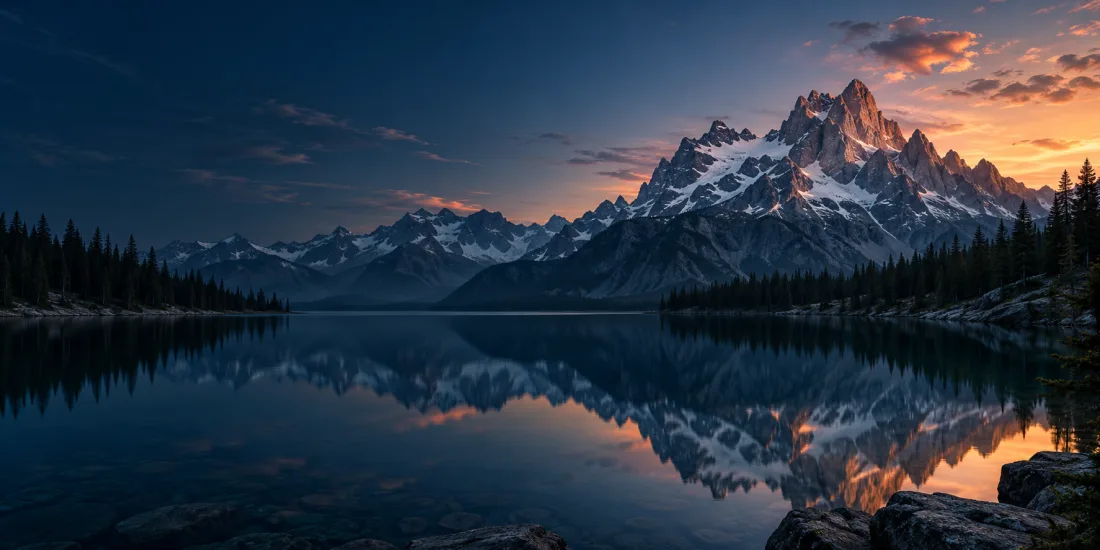
Bring a warm layer, water and a headlamp. Pack the night before so you can get straight out the door.
Start with distance, elevation and how long you want to be out.
Have two ideas waiting for you
Pick two days and a time. Each session creates one social post idea and one blog idea. Add your email address to get a reminder when they’re ready to review.
Scheduling runs while Social Studio is open or running in the background. If the computer is off or you quit the app, it catches up on the latest missed session when reopened.
One social post idea and one blog idea are waiting in Social Studio.
What you’ll need
The browser service requires invited beta access. AI features use your own OpenAI API account and credit; connected services require their own permissions and may charge separately. The separate desktop preview keeps drafts locally. Buffer publishing and WordPress article delivery are separate connection-dependent steps, not automatic results of creating a draft.
Common questions
Do I need to subscribe to the full Aveliqo workspace?
Aveliqo Social is a separate product from the full Aveliqo workspace. Planned browser subscriptions are Starter €12, Business €29 and Agency €59 per month. Billing is not open. The desktop preview is a separate local drafting tool; OpenAI bills your API usage separately.
Can I draft content before connecting Buffer or WordPress?
Yes. You can save social drafts locally and download saved blog articles. Connect Buffer when you want to send a social post, or WordPress when you want to send an article to your website.
Will a scheduled idea publish automatically?
The schedule only creates ideas and sends an optional reminder. You decide which ideas to turn into drafts and review what goes out.
Can I use my own photos and logo?
Yes. Choose an image from your computer or look for one on a specific webpage. Add your business logo and use your own imagery when you have permission to publish it.
Planned browser subscriptions
Starter €12 · Business €29 · Agency €59 per month
These are planned monthly prices, excluding VAT. Billing and public signup are not open. AI, storage and automation allowances are still being specified; no unlimited usage is promised. Your OpenAI API usage and connected-service charges are separate.
The earlier one-time desktop proposal is not the browser subscription. Ask about beta access and the desktop preview before choosing a route.
Ask about Aveliqo Social